Operational friction
Channels mirror old radio habits
Simply copying every old radio channel into an app can reproduce the same noise and confusion.

Foresolutions uses Zello as its primary PTToC platform, then designs channels, user groups, emergency escalation, devices and rollout around the operation.
Planning an airside rollout? Read the pilot checklist →
We do not begin by specifying hardware. We first identify the wasted time, risk, cost or lack of visibility that the operation needs to remove.
Simply copying every old radio channel into an app can reproduce the same noise and confusion.
An alert is only useful if it reaches the right people with enough context to act.
Users need simple controls, suitable hardware and a channel structure they understand immediately.
The solution is judged by what changes in everyday work — not by how many devices have been installed.
Channels and roles designed around teams and tasks.
Emergency alerts can include location and ambient audio to designated responders.
Create group, dynamic and one-to-one communication without radio infrastructure at every location.
Pair Zello with the right rugged device, accessory and training model.
We combine the right enabling technologies into one practical operating solution and stay accountable for deployment, adoption and support.
Map who needs to speak, listen, supervise and respond.
Avoid channel sprawl.Set channels, roles, emergency workflows, management policies and optional integrations.
Platform configuration follows the operating model.Use existing devices or rugged PTT hardware where physical controls, audio or durability matter.
The handset is an interface to the workflow.Run a live trial, tune channels and then scale with training and support.
Prove usability before full deployment.Technology is the enabler. The operational improvement is the solution. If a simpler approach solves the challenge, we will not add complexity for the sake of it.
The technology may be similar, but the workflow, risk, data and success measure changes by sector. We design the solution around the operating environment rather than copying the same deployment from one customer to another.
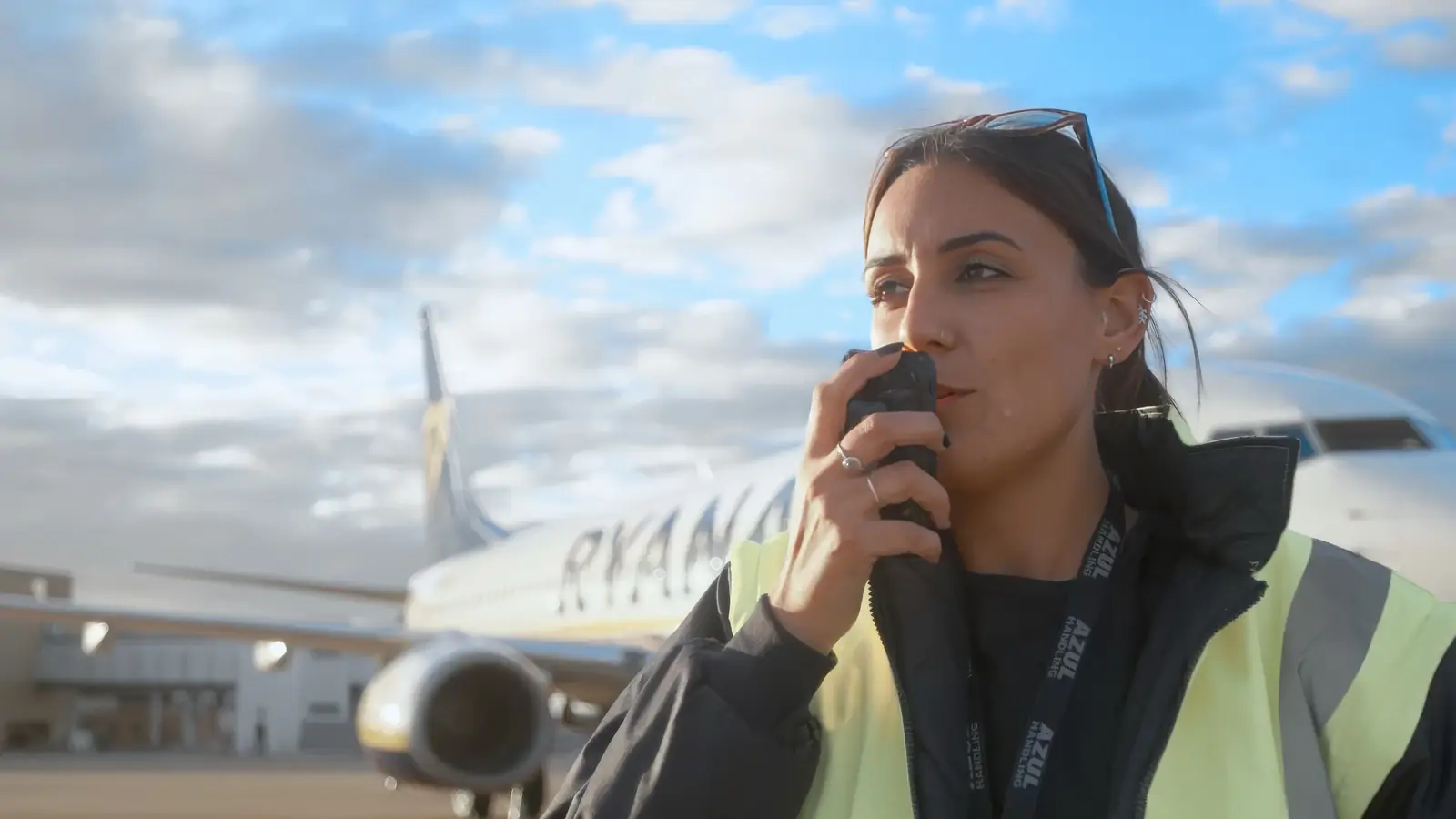
A tracker, radio, camera or sensor only has value if it helps somebody make a better decision, save time, reduce risk or improve the way work gets done.
We work with established manufacturers because different environments need different capabilities. Partner technology is selected after the operational requirement is understood; Foresolutions remains the point of design, integration, deployment and support.
Zello Work is the software platform, but channel design and emergency workflows are what make it operational. Emergency Alerts can notify a designated channel, share the sender’s location and include the first seconds of ambient audio to help responders understand what is happening.
Manufacturer information ↗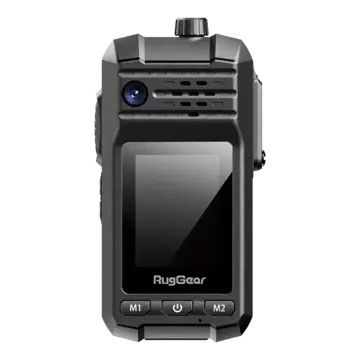
Rugged devices with physical PTX controls for industrial users.
Manufacturer information ↗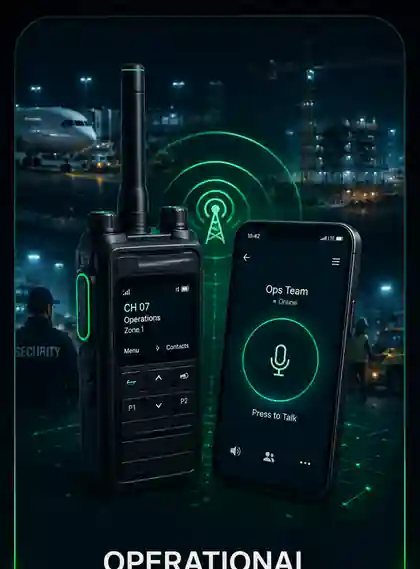
Rugged Android hardware for teams that need PTT plus business apps on one device.
Manufacturer information ↗Manufacturer examples are shown to explain the enabling technology available within a solution. Final device/platform selection depends on the customer workflow, site, network, governance, commercial model and technical validation.
Zello is our main PTToC offering. The value comes from channel design, user roles, dispatch, emergency workflows, messaging/history and deployment support — not simply installing an app.
| Environment | Typical requirement | Foresolutions approach |
|---|---|---|
| Aviation | Ramp and operational talkgroups | Designed around the operational workflow rather than a product specification. |
| Facilities | Security and maintenance coordination | Designed around the operational workflow rather than a product specification. |
| Infrastructure | Field teams over wide areas | Designed around the operational workflow rather than a product specification. |
| Healthcare | Estates, portering and security | Designed around the operational workflow rather than a product specification. |
We design the communication structure, device strategy, accessories, provisioning, pilot, deployment and support so Zello fits the operational workflow rather than arriving as an unmanaged app.
Zello Emergency Alerts can send the user’s location to designated responders and capture the first seconds of ambient audio for context.
Often yes, depending on device policy and environment. Dedicated rugged hardware can be used where physical PTT controls, loud audio or durability are more important.
Zello turns supported smartphones and rugged devices into business push-to-talk endpoints over 4G, 5G and Wi-Fi. Foresolutions designs users, channels, devices and dispatch around the operation.
Structure groups around teams, roles and escalation so staff can reach the right people quickly.
Match the endpoint to the job, from managed smartphones to purpose-built rugged push-to-talk devices.
Connect distributed teams without depending on the physical coverage footprint of a local radio network.
The Cytiva case study shows how managed mobile devices and push-to-talk can support a repeatable enterprise communications workflow.
PTToC: instant channel voice over cellular data or Wi-Fi. Infrastructure: no conventional radio repeater network. Devices: compatible smartphones and rugged devices can form part of a managed deployment. Design first: users, channels, emergency workflows, devices, accessories and coverage.
Plan your deployment
Define the users, locations and working procedures first. Then test the device and channel setup against everyday operational tasks.
Ask for the proposed business licences, supported devices and accessories, connectivity, configuration, training and support to be separated clearly. Confirm which features and roles are included and what must be validated during a pilot.
Compatible smartphones, rugged Android devices and supported PTT accessories can suit different roles. Check operating-system support, audio, glove or PPE use, charging, connectivity and device management with the proposed configuration before choosing hardware.
Map the intended working locations, teams and channels. Agree device handling, coverage tests, shift handovers, escalation and fallback procedures with the operational team. The airside rollout guide below provides a practical starting checklist.
Tell us what is wasting time, creating risk or making work harder. We’ll design the right solution around it.
Asset visibility Track it.•Find it.•Use it. Know where it is. Find what teams need. Keep valuable assets working.
Connected operations Connect it.•See it.•Control it. Connect people and systems. See what matters. Control the response.